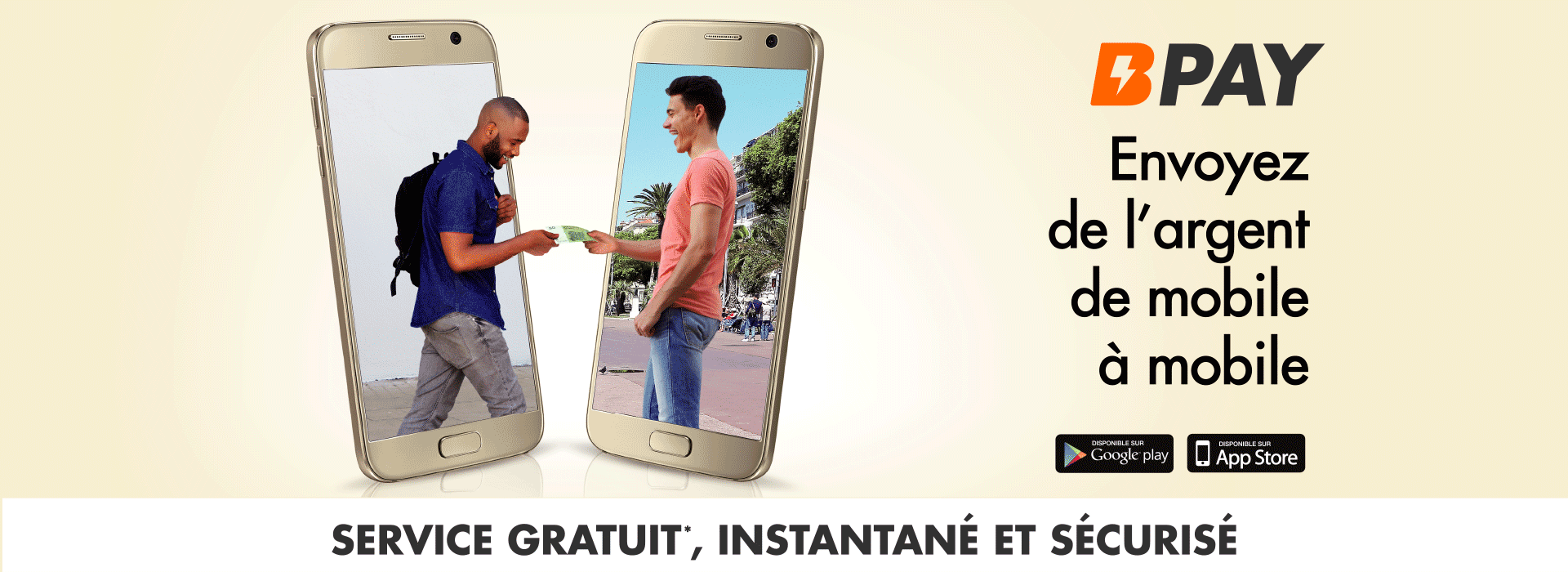
BPay, your wallet on your mobile to manage your daily expenses better!
Create your BPAY account and enjoy the services offered without waiting any longer:
- send money from mobile to mobile, for free, securely and in a few seconds;
- pay bills and get a receipt;
- pay for purchases at merchants and over the internet using the BPay bank card;
- track transaction history.
100% secure, BPay is an app that complies with banking and computer security standards as well as privacy standards.To take advantage of all these features, just download the free BPAY app on your IOS or Android mobile phone and create an account by entering your phone number and password.
How to subscribe to BPay
To take advantage of this service:
- Download and install the BPay app from your online store:


- Access the BPay app;
- Click “Create" your BPay portfolio;
- Enter your mobile phone number, accept the Terms of Use and click “Next";
- Answer the three secret questions to secure your portfolio;
- Enter and confirm your password;
- Enter the verification code received by SMS on your phone;
A message will be displayed indicating that your subscription to BPay has successfully completed.All you have left to do is to activate your BPAY portfolio via Chaabi Net, the Customer Relations Centre (05 22 58 50 58) or any Banque Populaire branch.